
Quide Setup
Welcome! Setting up your service is fast and simple. Just follow this quick guide and you’ll be watching in minutes.
✅ Instant access: We email your M3U / Xtream login details. Check Spam/Junk if needed.
🔒 Tip: A VPN can help with ISP blocks & privacy.
💳 Payment: One-time — no auto-renew. Choose 1/3/6/12 months. Multi-screen = select devices.
Bonus: Free lifetime activation if you buy 12 months.
Bonus: Free lifetime activation if you buy 12 months.
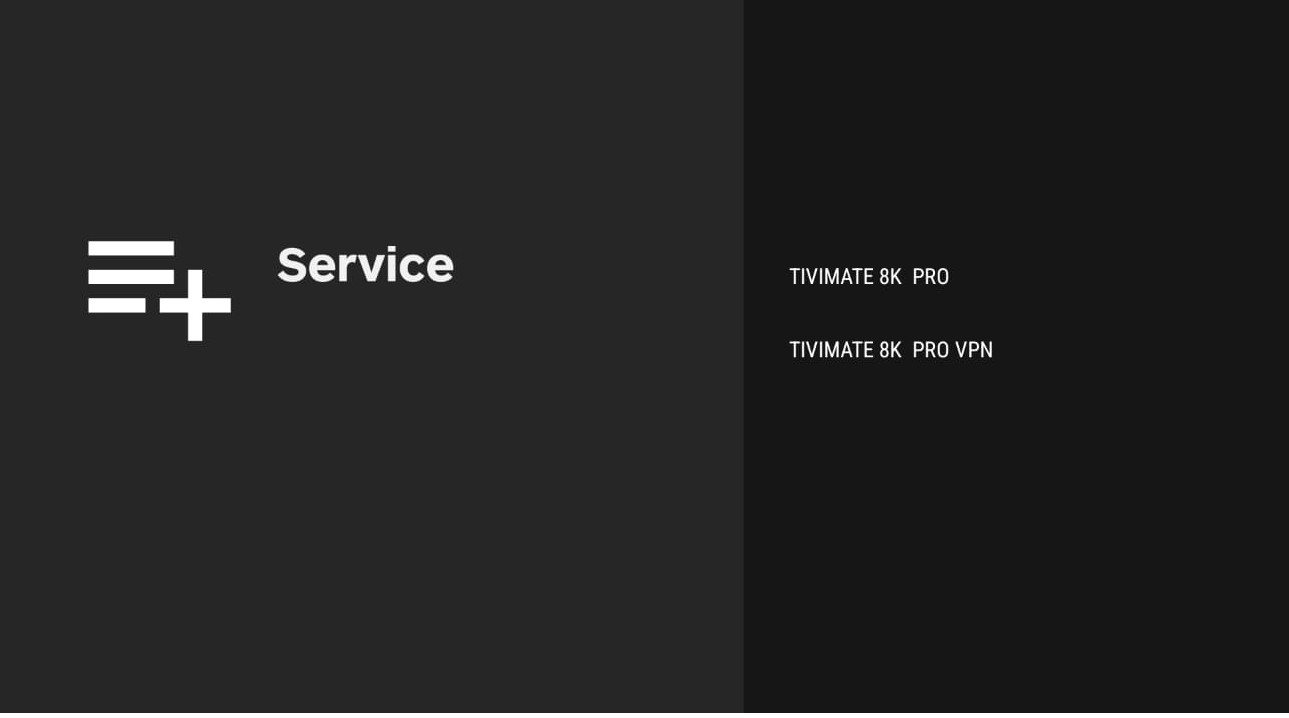
⭐ Recommended: Downloader → code 834339 (IBO) or use TiviMate URL:
https://tivimates.com/tiviapk
Your Login Details to be like
• Username:
• Password:
• Portal URL:
• M3U URL:
usertest123• Password:
pass456test• Portal URL:
http://test.server.com:8080• M3U URL:
http://test.server.com:8080/get.php?username=usertest123&password=pass456test&type=m3u_plus&output=tsDownloads & Setup Guide
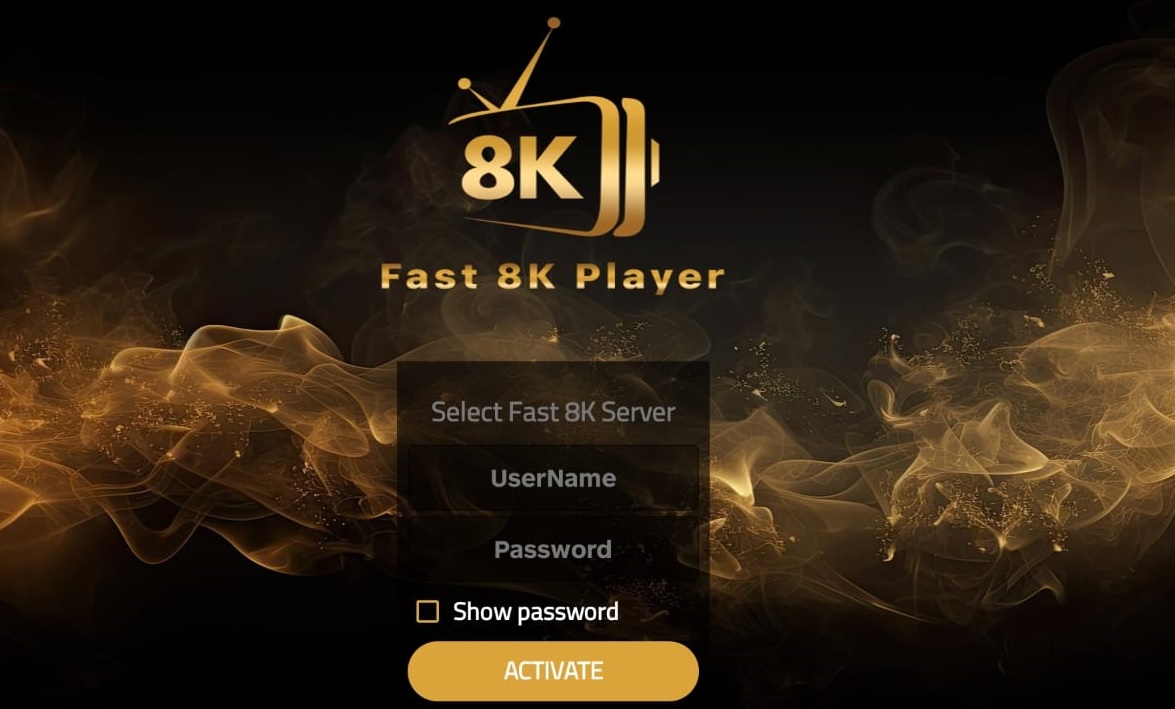
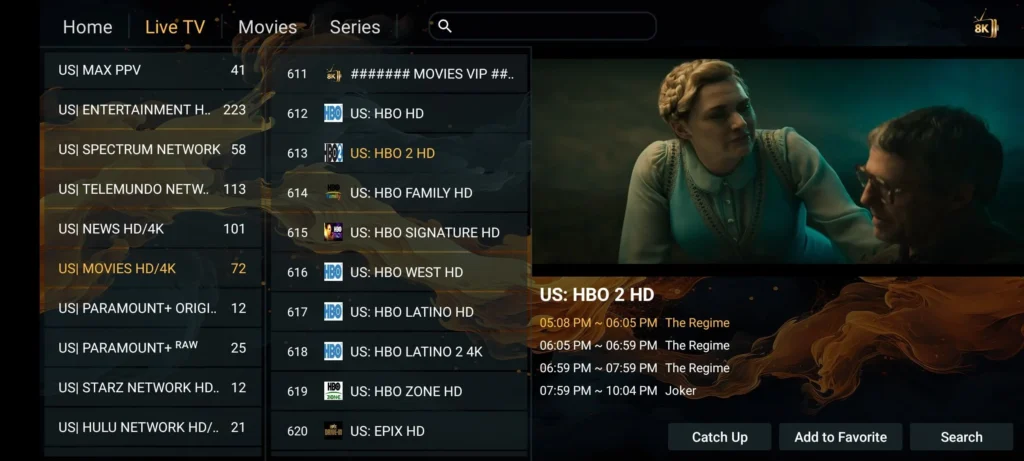
Android: Downloader (code + Copy) ou APK. iOS: App Store. Smart TV: store TV + activation.
Android Apps (Phones / TV Boxes)

iOS (iPhone / iPad)
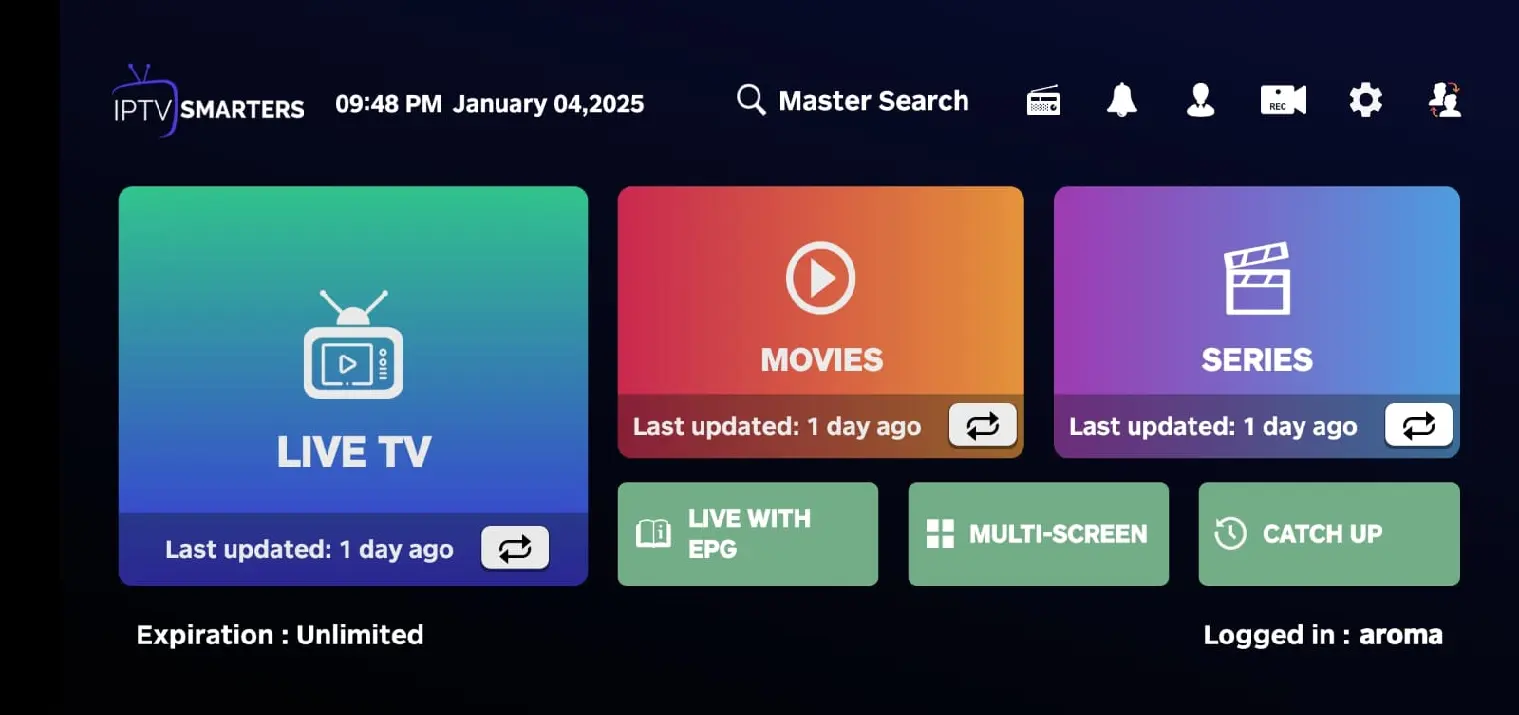
- Open App Store and search IPTV Smarters or GSE Smart IPTV.
- Install → open → choose Login with Xtream Codes or M3U + EPG.
- Paste your details from the email (Portal / Username / Password).
iOS Setup
Install a player from the App Store, then login with Xtream or M3U.
Smart TV (Samsung / LG / Android TV)
- Open the TV store (Samsung Apps / LG Content Store / Google Play on Android TV).
- Install a player (IBO Player / OTT Navigator / XCIPTV).
- Open the app → Activation / Login → add playlist (M3U/Xtream).
- Restart the app to load channels + EPG.